Connect a camera
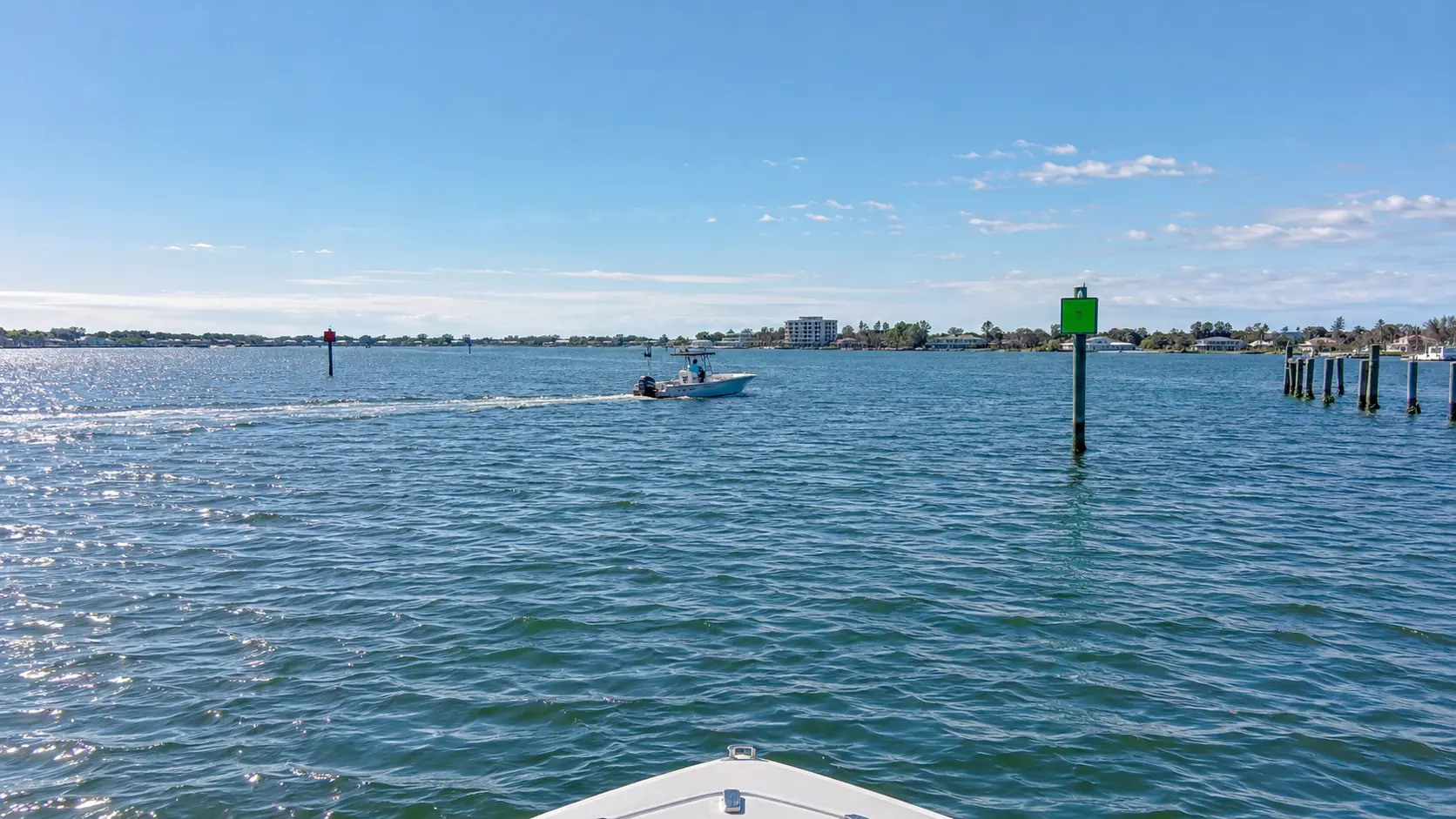
Your camera supplies live video of the water. BoatVision connects to most cameras, including FLIR, SIONYX, and others. We’ll check the camera model and connections for your installation.
 BoatVision.aiRequest a Demo
 How BoatVision works
Your camera sends live video to the BoatVision unit aboard your boat. The unit checks the video for boats, markers, floating objects, and people. Outlines and alerts appear on your compatible helm screen or multifunction display (MFD).
Your camera supplies live video of the water. BoatVision connects to most cameras, including FLIR, SIONYX, and others. We’ll check the camera model and connections for your installation.
A ruggedized unit built for maritime conditions checks that video in real time. It runs our purpose-built Maritime AI Models, software trained to recognize boats, channel markers, floating objects, and people in boating scenes.
As your boat moves, the picture changes. BoatVision keeps checking the view and following objects it has found, including changes in where they appear on the screen.
Outlines and labels on your screen or MFD help you pick out objects BoatVision detects in the video. The software considers what the object appears to be, where it is, and how it moves when choosing a visual alert. You assess the situation and decide what to do.
BEYOND INTERNET COVERAGE
BoatVision checks the camera video on the unit aboard your boat. It does not need to send that video ashore to identify objects or show visual alerts on your screen or MFD. Losing internet coverage does not stop that processing.
That is useful whether you’re fishing offshore, keeping watch on an ocean passage, or working a patrol away from the coast. Detection works without cellular or satellite internet. The camera’s view and the conditions still affect what BoatVision can find.
PEOPLE IN THE WATER
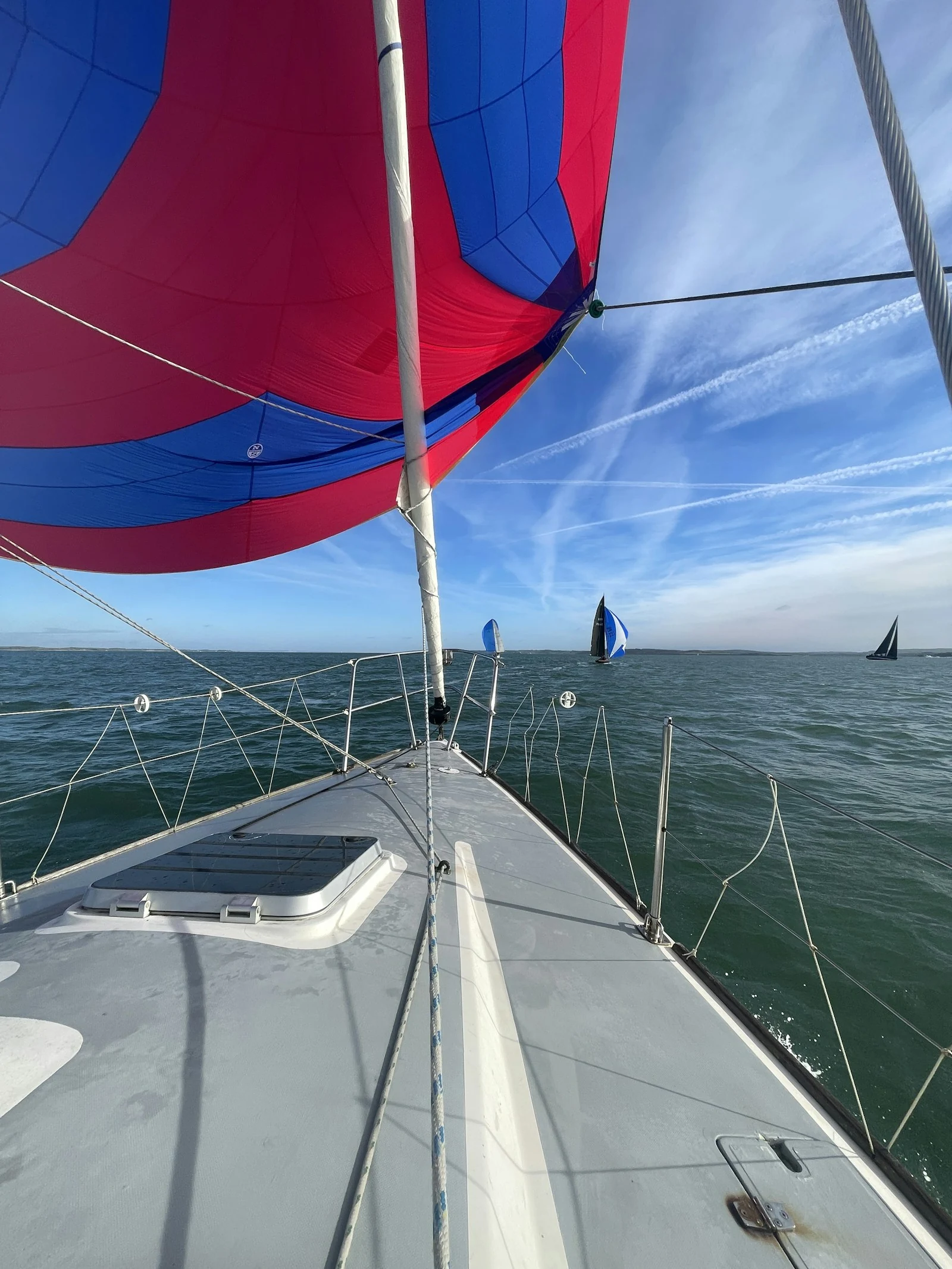
If BoatVision identifies what appears to be a person in the water, it can show an outline around them in the video on your screen or MFD, along with a prominent visual alert. It can also miss someone, especially behind waves or at a distance. Keep looking, and respond to anyone you see without waiting for the system to alert you.