PATROL BOATS & GOVERNMENT

Help your crew keep watch.

A patrol crew may be watching traffic, talking on the radio, and preparing to help someone, all at once. BoatVision processes the camera’s video and shows outlines and alerts on a compatible helm screen or multifunction display (MFD), giving the crew more information as they make decisions.

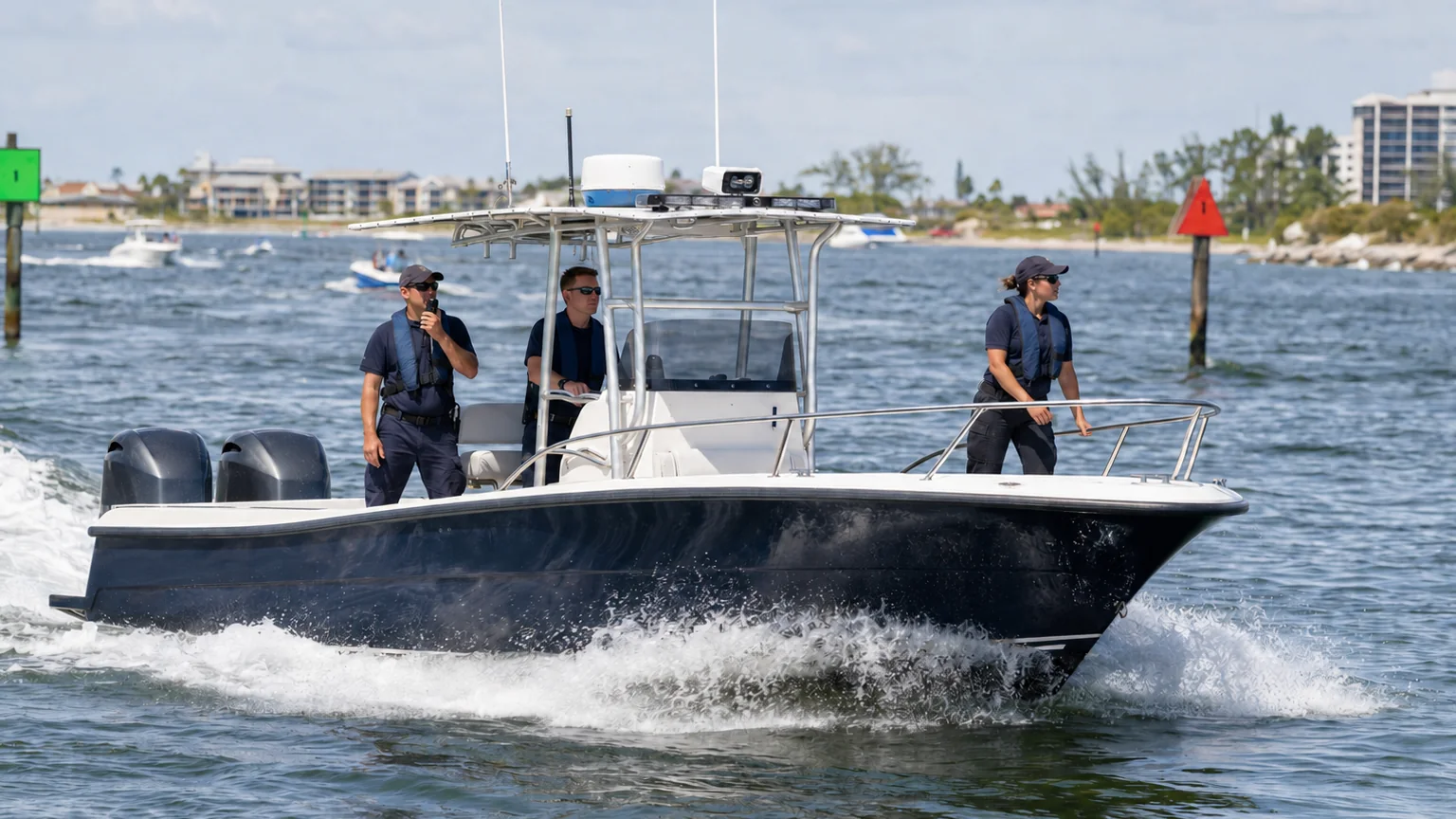
Illustrative patrol scene

AT THE HELM

Getting the crew there
safely matters.

Whether it’s a routine patrol or an urgent call, your crew has people depending on them. BoatVision can help draw attention to something ahead while the captain and crew stay responsible for navigation and the safety of everyone aboard and nearby.

Explore the display examples

Patrol and incident response

A crossing boat or floating debris can be harder to notice when the crew is handling a call. BoatVision can show outlines and visual alerts on the crew’s screen or MFD for objects it identifies in the camera’s video. The captain assesses the situation and decides how to respond.

People in the water

A person in the water can disappear from view between waves. BoatVision can show an outline on the screen or MFD around someone it identifies, but it can miss people. Keep the crew’s search and lookout procedures in place, and never wait for an alert before helping someone you can see.

Changing light and conditions

On a night shift, the camera determines what BoatVision has to work with. Its capabilities, position, and the conditions affect what can be seen. Night display mode dims the screen; it does not improve the camera’s ability to see.

OFFSHORE PATROLS

BoatVision works without an internet connection.

BoatVision’s ruggedized platform is built for maritime conditions. It runs purpose-built Maritime AI Models aboard the vessel, processing the camera’s video in real time and sending outlines and visual alerts to the crew’s screen or MFD.

Your crew can use detection and visual alerts without cellular or satellite internet, including on an offshore patrol. Video does not have to be sent ashore for that processing.

BoatVision needs a view of an object or person to identify them. Spray, glare, waves, obstructions, and the camera’s position can all affect detection.

How the platform works
Your camera supplies video to the ruggedized BoatVision platform, which detects objects using Maritime AI Models aboard. Your compatible helm screen or multifunction display (MFD) shows outlines and visual alerts. You keep watch and decide how to respond.
Detection and visual alerts work without an internet connection.The platform connects to most cameras, including FLIR and SIONYX. We check your camera and helm screen or multifunction display (MFD) connections before installation.System illustration. Hardware symbols are schematic; the display image is an illustrative example.

STATE, LOCAL & FEDERAL AGENCIES

Tell us where your crews operate.

A marine patrol, a fire boat, and an offshore government vessel face different demands. We’ll discuss the boats and their equipment with the people who operate and maintain them.

State

Marine patrol and resource protection

Tell us about the waterways and offshore areas your crews patrol, the boats they operate, and the cameras already aboard.

Local

Police, sheriff, fire, and rescue boats

Talk us through a typical shift, from routine patrol to responding to a call, including the busy waterways your crews use.

Federal

Government maritime operations

We’ll start with the work your crews do, their boats and equipment, and your agency’s requirements before discussing a trial.

FITTING THE VESSEL

Let’s look at the equipment already aboard.

BoatVision connects to most cameras, including FLIR and SIONYX. We’ll review your particular camera and display before confirming compatibility, then work through a suitable mounting location, power, and wiring for the maritime platform.

Outlines and visual alerts appear on the screen or MFD. BoatVision does not steer the vessel or sound an audible alarm. Your crew still needs a proper lookout, charts, and other navigation equipment, including radar and AIS where fitted.

Camera and view
We’ll check the model and connection, where it points, and anything that could block the view in the conditions your crews face.
Platform installation
We’ll plan where to mount the ruggedized platform, how to supply power and run wiring, and how your team will reach it for servicing.
Helm and crew
We’ll review the display, where the crew can see it, and how to understand the alerts alongside their usual lookout and watchkeeping procedures.
Software upkeep
The annual Navigator Plan gives you access to new software releases as they become available, including model improvements, features, and performance updates. Your installed software keeps working if you don’t renew.

PLAN A TRIAL

A trial should answer your crew’s questions.

Tell us about your agency, its boats, and the waters your crews cover. We’ll discuss a trial on routes and in conditions that reflect their work, including offshore patrols and use without internet coverage.

Before getting underway, we’ll agree on the questions to answer. Did the alerts help the crew? What did the system miss? Were there false alerts? We’ll also review the installation and software updates with the people responsible for the equipment.

Talk About Your Fleet