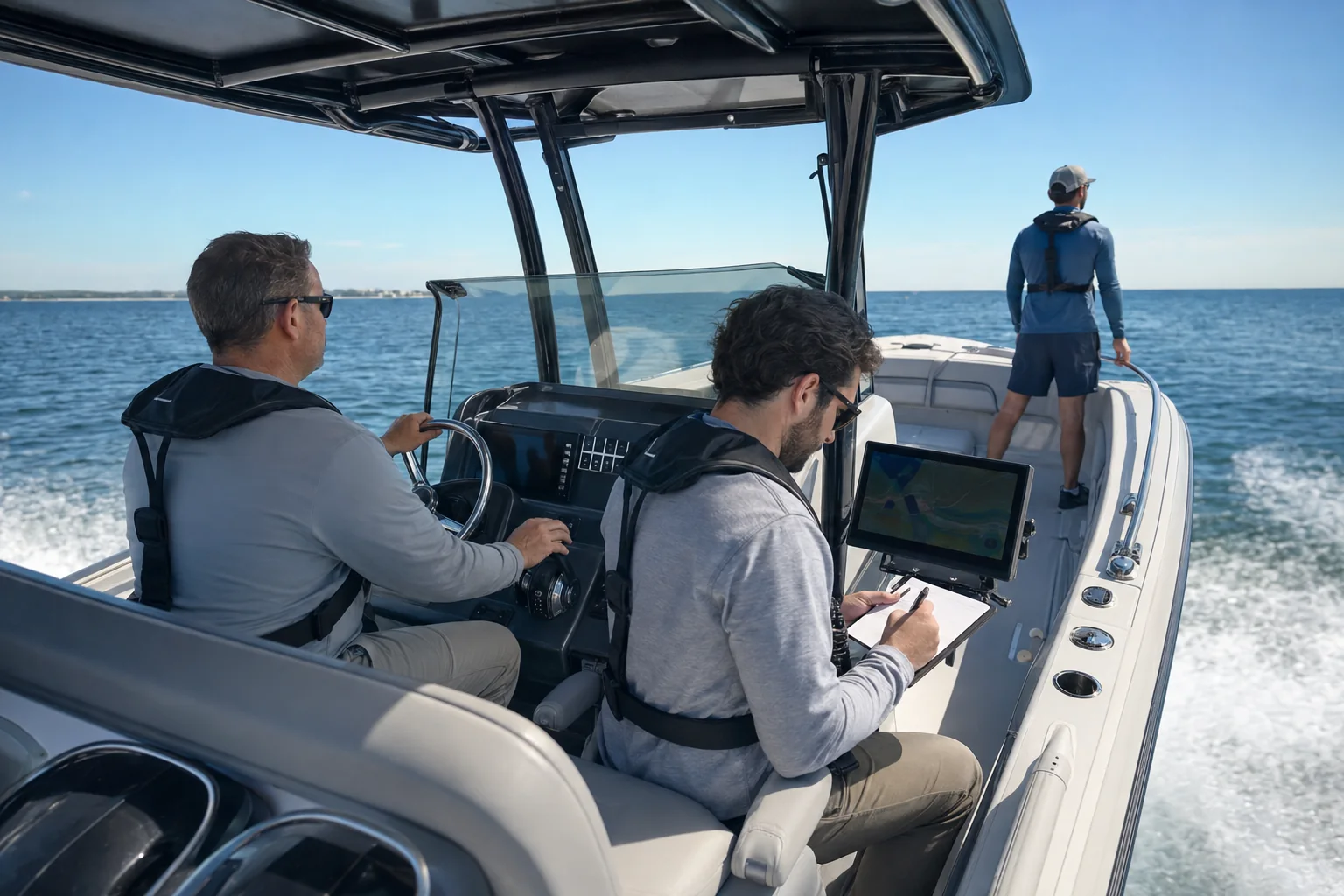
Plan it with your builder
Your builder can allow for the camera, BoatVision unit, power, and wiring while the boat is being designed.
 BoatVision.aiRequest a Demo
 The BoatVision system
When you’re responsible for everyone aboard, it helps to have another way to spot a boat, a marker, or something floating ahead. BoatVision checks the video from your camera and shows outlines and alerts on a compatible helm screen or multifunction display (MFD).
Request a DemoBUILT FOR MARITIME CONDITIONS
At the center of the system is a ruggedized unit built for maritime conditions. It connects to your camera and processes the live video right on your boat.
The unit runs BoatVision’s purpose-built Maritime AI Models. This is software trained on boating scenes to recognize boats, markers, floating objects, and people in the water as they appear in the camera’s view.
Whether you’re taking family out for the day or keeping watch on a passage, the display gives you more information to help you assess what’s ahead. You keep watch and make the decisions.
THE BOATVISION SYSTEM
The camera supplies live video, and the BoatVision unit checks it for objects. Outlines, labels, and visual alerts appear on your compatible screen or MFD. This happens aboard your boat, without an internet connection.

CAMERA CONNECTIONS
BoatVision connects to most cameras, including FLIR, SIONYX, and other brands. Tell us what you have aboard and we’ll review whether it will work with the system.
Before installation, we’ll check the camera model, its connections, where it is mounted, and your helm display. A clear view matters: BoatVision can only work with what the camera can see, especially after dark.
Ask about your cameraAT THE HELM
BoatVision shows outlines and labels on your screen or MFD to help you pick out objects it detects in the camera’s video. Visual alerts appear there too; the system does not sound an alarm. Use these examples to try the brightness and label settings.
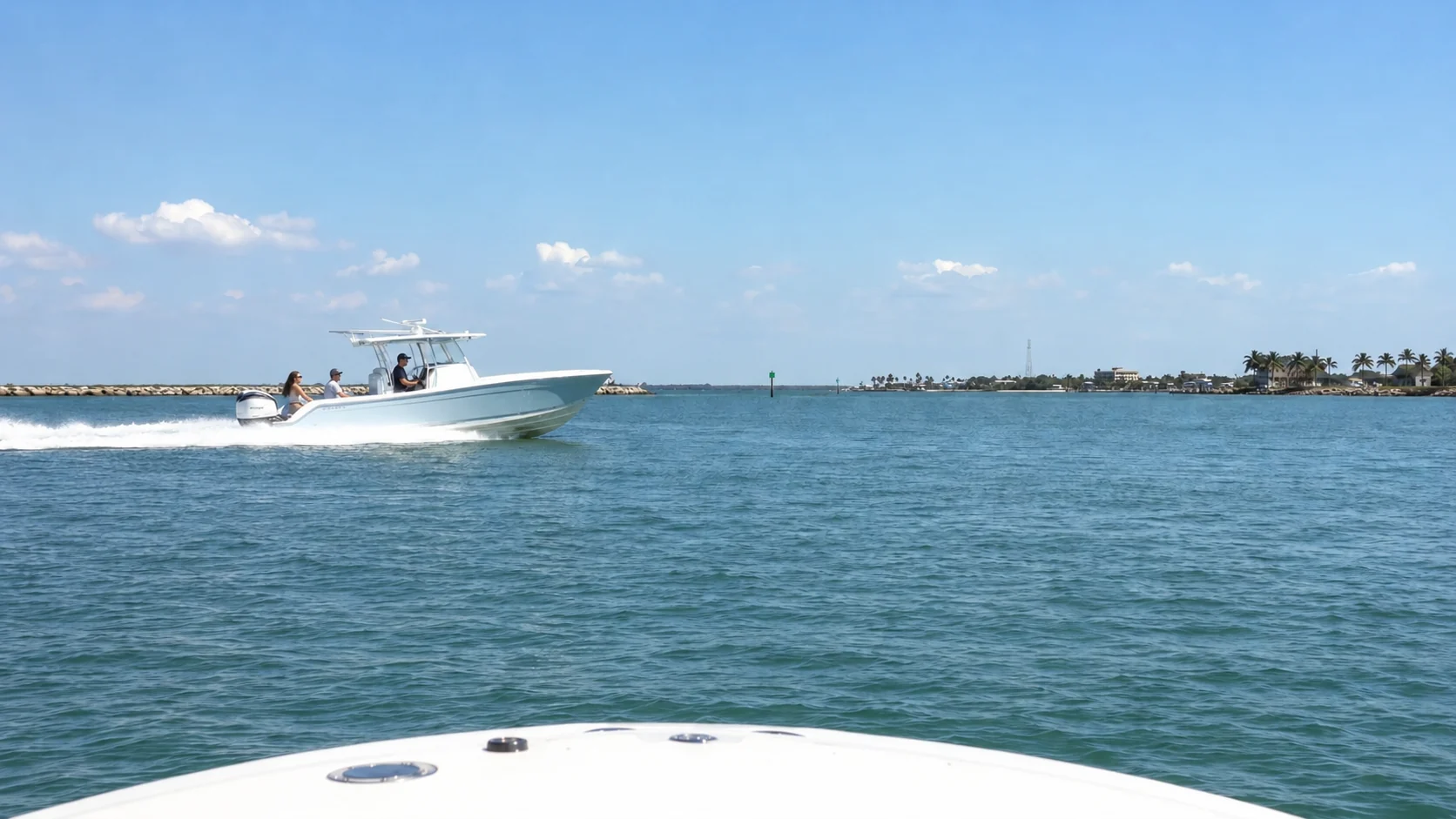
Crossing boatCHECK CROSSING BOAT
These are display illustrations, not recordings from a working system. Night display mode dims the screen. Detection after dark depends on what your camera can see, its installation, and the conditions.
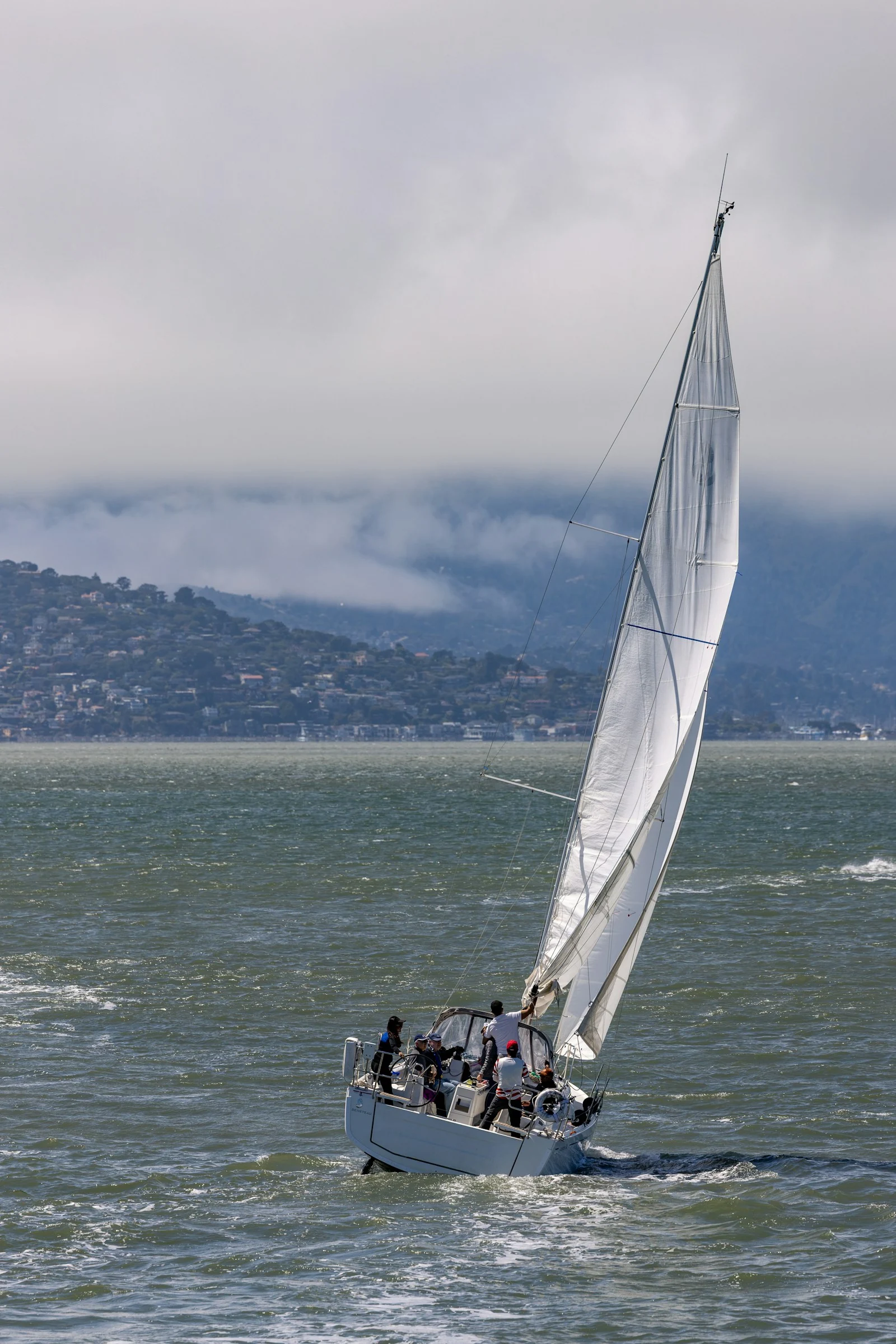
SAILING, CRUISING & OFFSHORE RUNS
If you’re crossing the Atlantic under sail or taking a powerboat offshore, BoatVision processes the camera’s video aboard and shows visual alerts on your screen or MFD. You do not need cellular or satellite internet for detection or those alerts.
We’ll work through the installation with you, including the camera’s view, mounting, power, and display. On a sailboat, that means allowing for sails, rigging, and deck equipment that could block the view.
As on any passage, a clear view and an attentive watch matter. Boat movement, spray, weather, and sea conditions can make objects harder for the camera and software to identify.
Talk through your installationFITTING YOUR BOAT
Tell us your boat’s make and size, the camera and display you use, and where you normally go. We’ll review the connections, a mounting location for the BoatVision unit, power, and wiring.
Your builder can allow for the camera, BoatVision unit, power, and wiring while the boat is being designed.
An installer can check your camera and display, find a suitable place for the BoatVision unit, and plan the connections.